Sell at the counter or on the floor
Find products, build a cart, attach a customer, and take payment. Saved sales, receipts, and returns give your team a record to pick up later.
Sales, inventory & customers
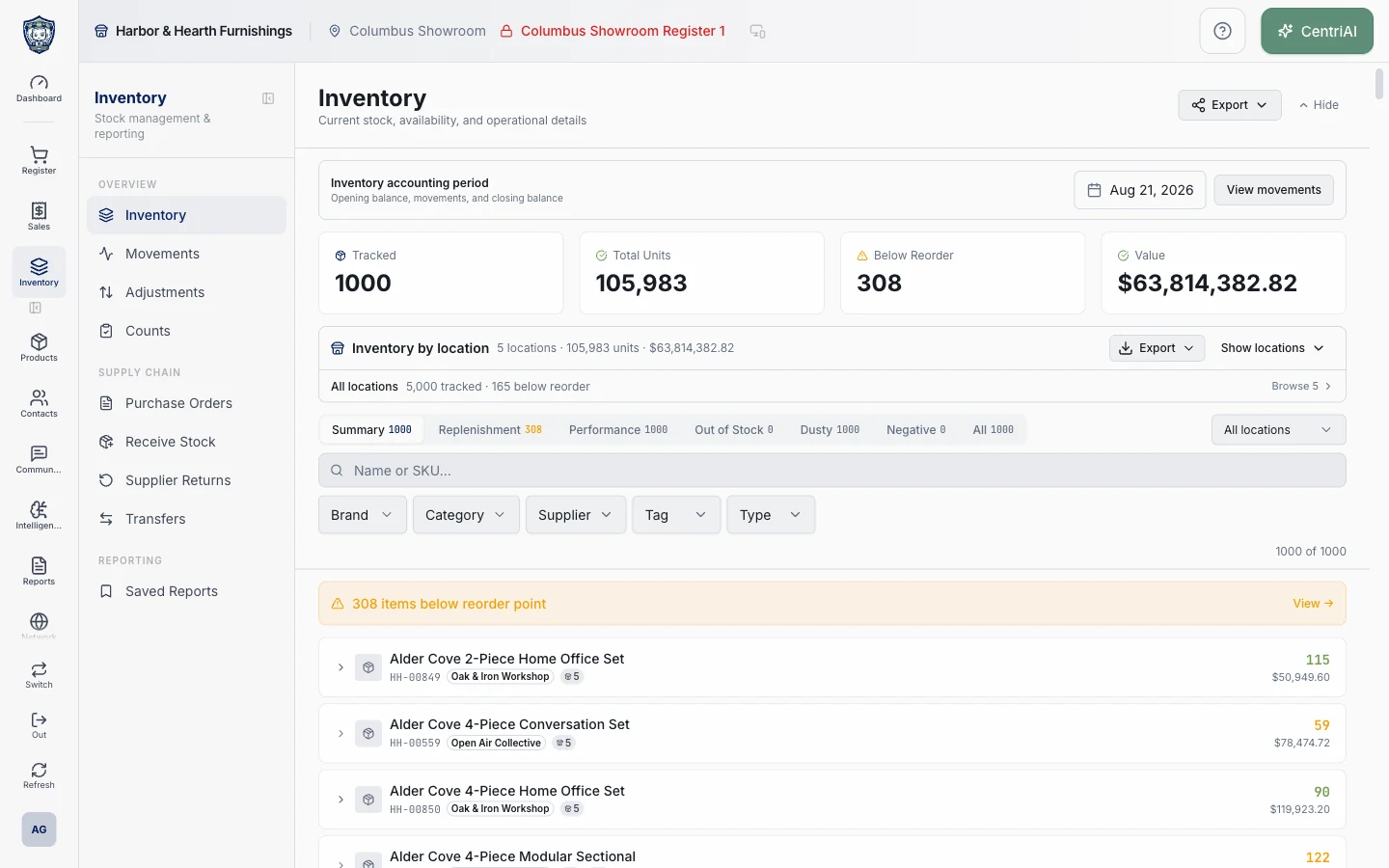
Start a sale, find stock, look up a customer, or check what needs attention. CentriPOS keeps the records your team uses throughout the day connected.
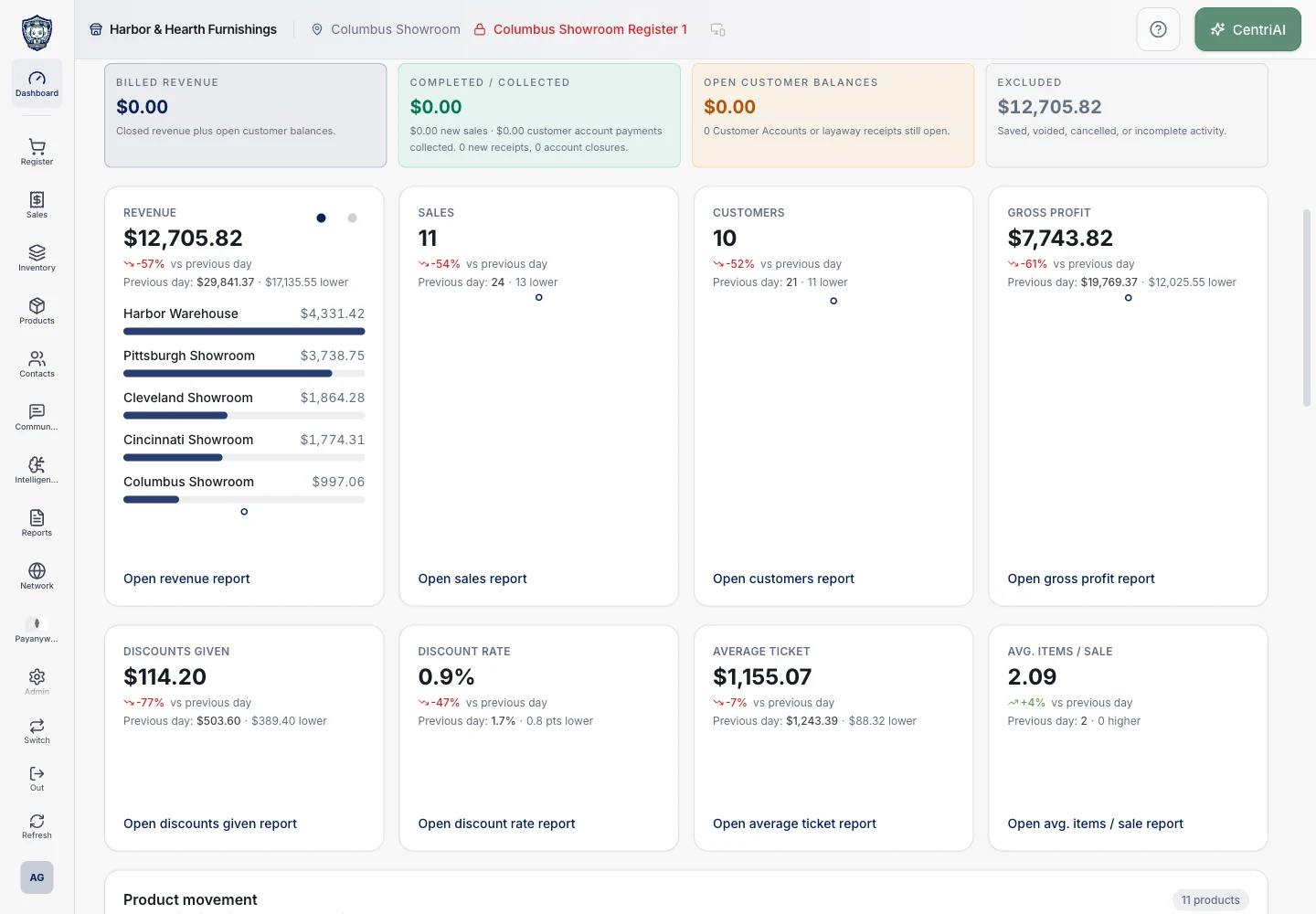
Find products, build a cart, attach a customer, and take payment. Saved sales, receipts, and returns give your team a record to pick up later.
Manage products, variants, price books, and stock. Follow purchase orders, receiving, and transfers so staff can give customers a better answer about availability.
See account details, sales, invoices, and payments together. Staff can look up what was agreed to and what still needs to happen.
Send invoices and track deposits, payments, and balances. Set up recurring billing when a customer has authorized regular payments.
Talk with Bryan about what you sell, how you get paid, and what your team needs to do next.