Reports you can follow back to the sale
Compare sales, payment types, registers, and locations. Save views your team uses often and look at the underlying records before acting on a trend.
Reporting & CentriAI
Use reports to see what sold, where inventory is sitting, or which transactions need a closer look. CentriAI can help you find a starting point in the workspace and follow it back to the records.
Compare sales, payment types, registers, and locations. Save views your team uses often and look at the underlying records before acting on a trend.
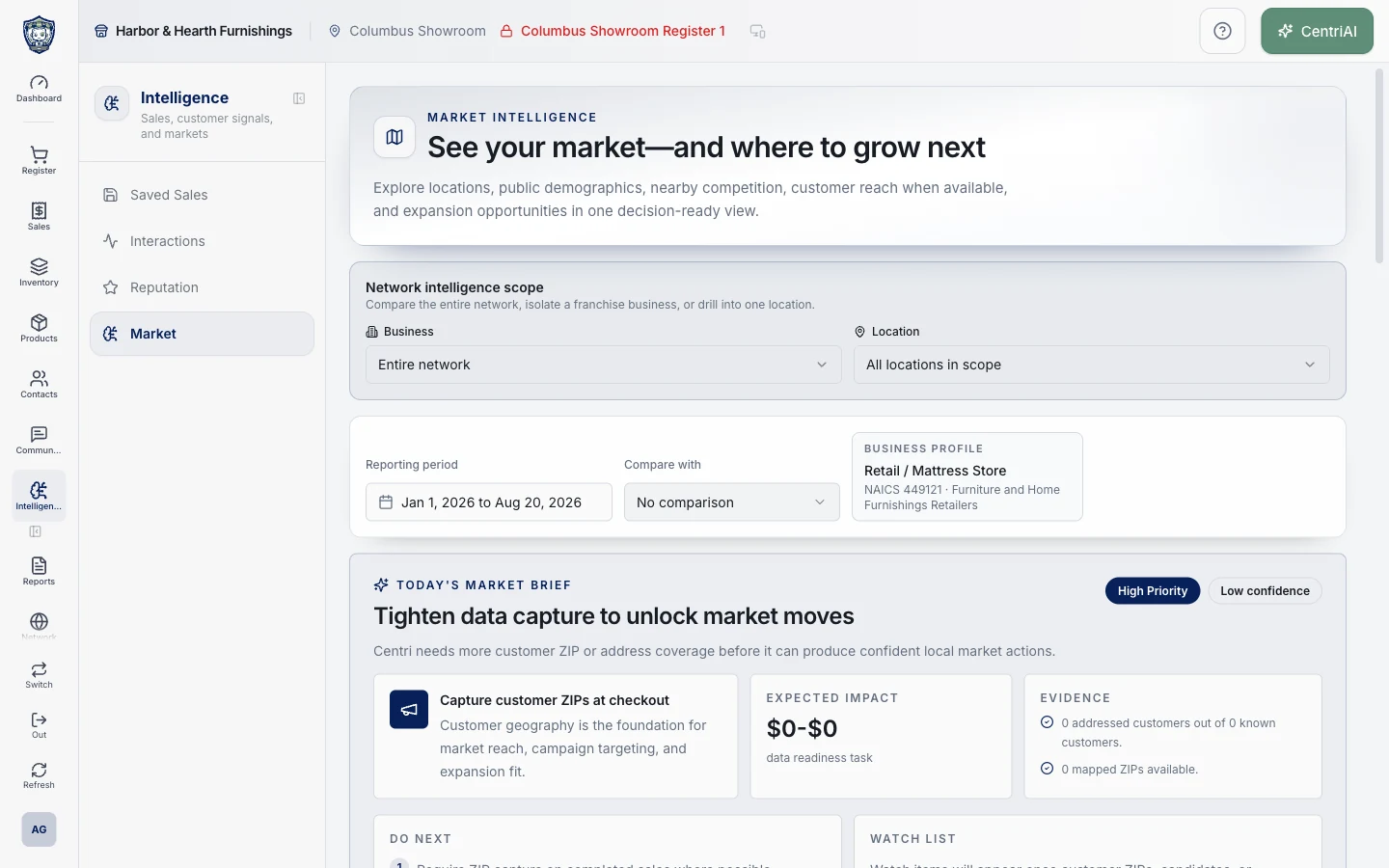
Use Market Intelligence to look at geographic patterns alongside your operating data. Review customer interactions and reputation activity for questions your team can follow up on.
Ask CentriAI a question from the workspace. Use its response to guide your next check, then confirm the answer against the records that matter.
Find sales that haven’t been completed so your team can review where the conversation left off.
Talk with Bryan about what you sell, how you get paid, and what your team needs to do next.