Send the work you’ve already done
Share a link to the order your team built so customers can review their items and totals without entering them again.
E-Cart
Build the order in CentriPOS and send an E-Cart link by email or text. The customer can review the details and complete the next step from their own device.
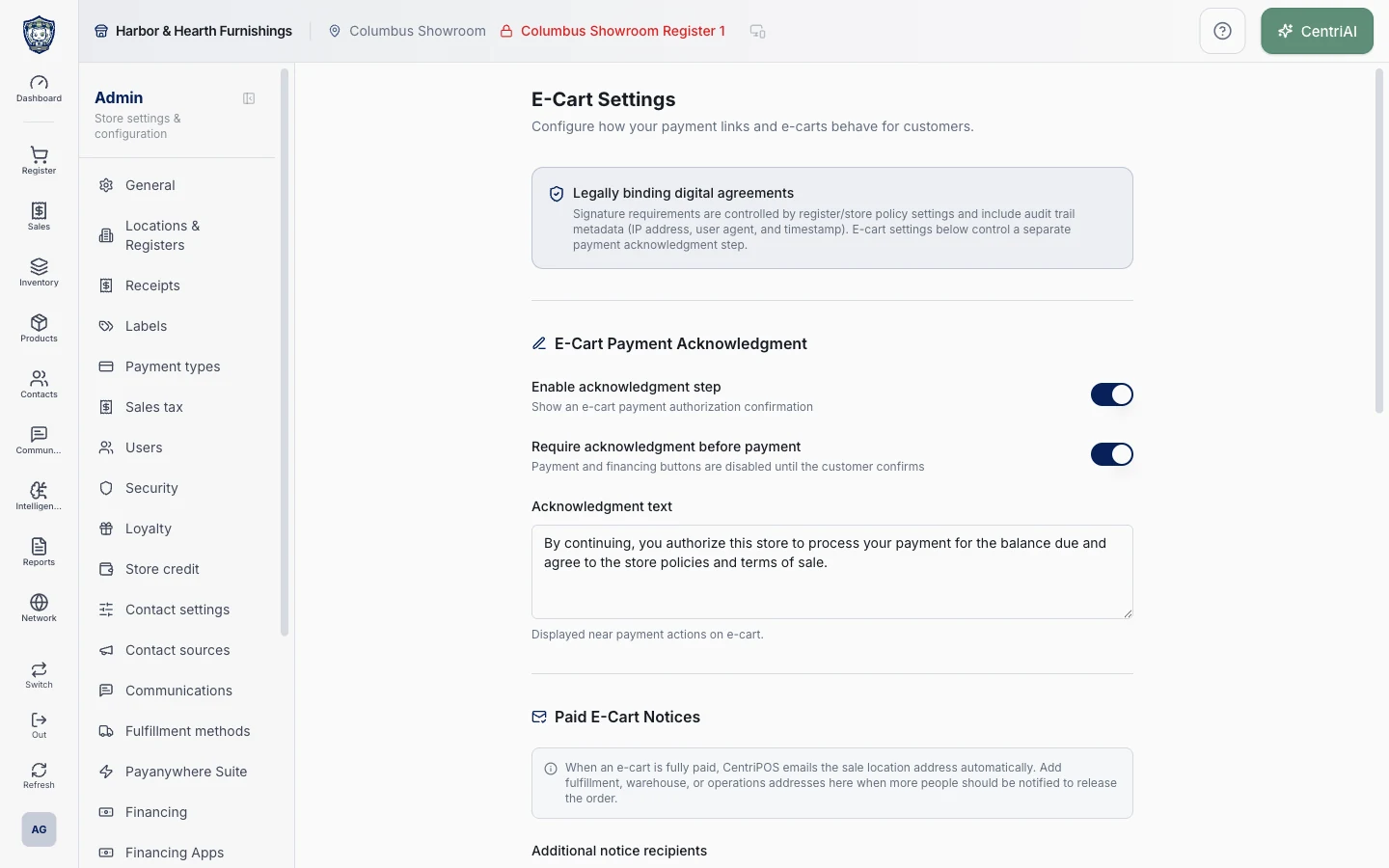
Share a link to the order your team built so customers can review their items and totals without entering them again.
Ask for a signature when the order calls for it, such as an order acknowledgement or a pickup or delivery handoff.
Let customers pay or, where available, apply for financing through the selected financing provider. Financing options and decisions come from the provider.
Talk with Bryan about what you sell, how you get paid, and what your team needs to do next.