Put the next step on the order
Record the fulfillment method, address, timing, and instructions while the sale is being made.
Fulfillment
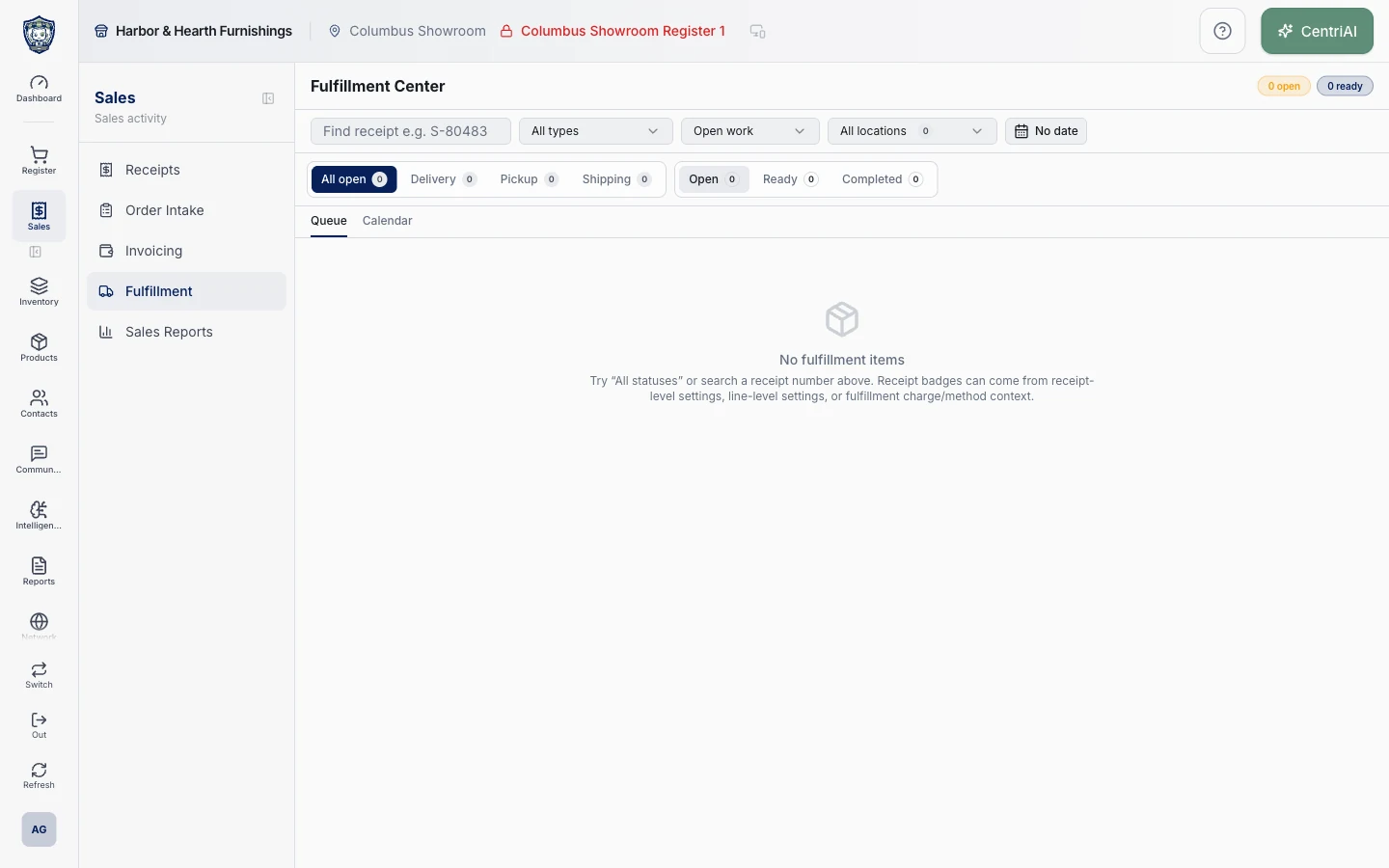
Track pickup, shipping, delivery, and installation from the sale. The people doing the work can see the items, instructions, and customer details that go with the order.
Record the fulfillment method, address, timing, and instructions while the sale is being made.
Use the fulfillment view to check what needs scheduling, staging, or completion. Teams can refer back to the same sale when a customer calls.
Review completed fulfillment, customer notes, and the original receipt when there’s a service or warranty question.
Talk with Bryan about what you sell, how you get paid, and what your team needs to do next.