QuickBooks Online and Wave
Connect your accounting workspace and map how invoices, payments, or register-close totals should be recorded. Review the first results with the person who keeps your books.
Integrations
Connect accounting, phones, online orders, and shipping to the records your staff uses in CentriPOS. CentriSoft helps you decide what needs to move between systems and how to test it.
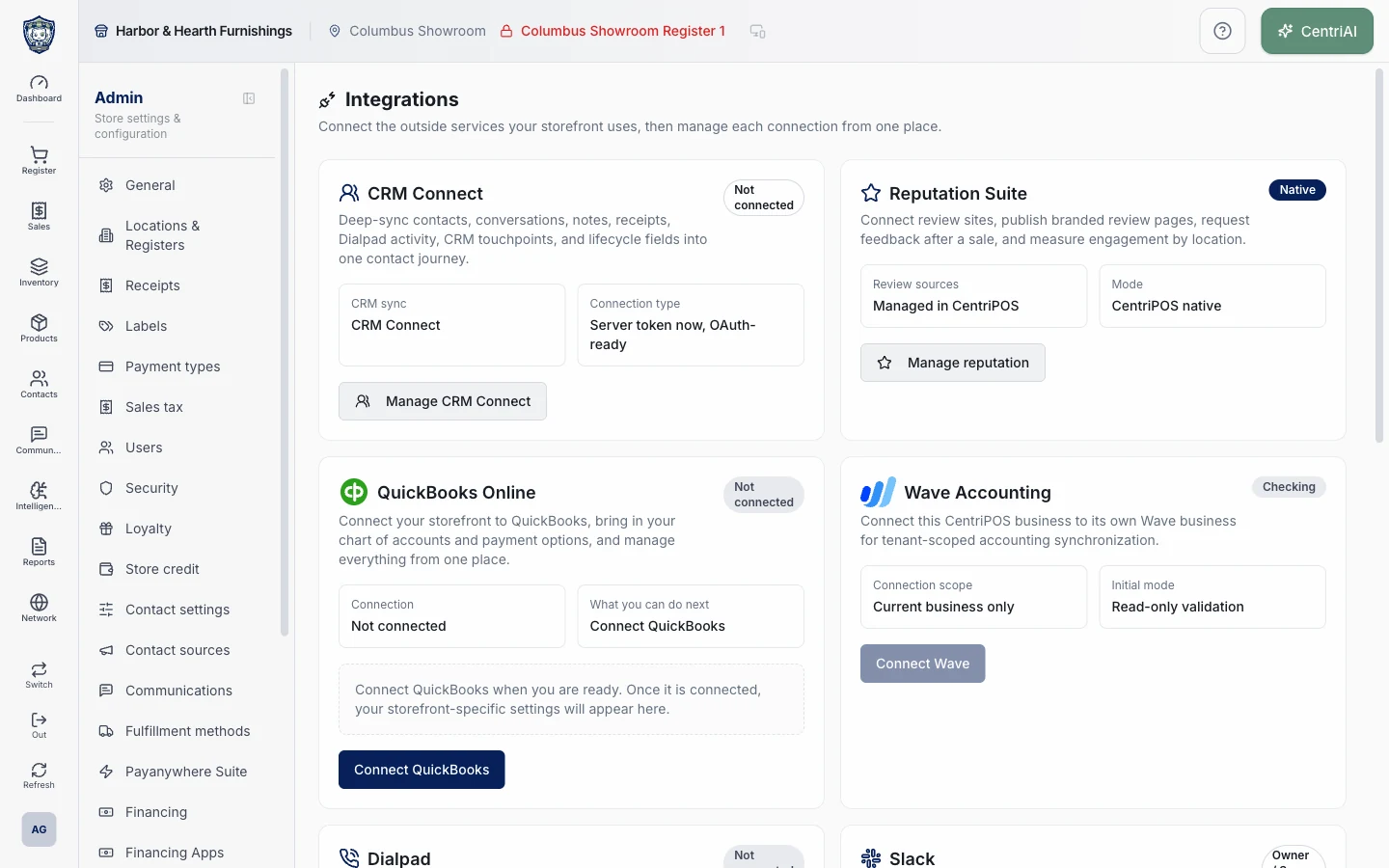
Connect your accounting workspace and map how invoices, payments, or register-close totals should be recorded. Review the first results with the person who keeps your books.
Bring configured Dialpad calls and messages into the customer’s history. CRM Connect can pass selected contacts and activity into your follow-up workflows.
Connect WooCommerce products and orders to inventory and fulfillment. Use your EasyPost account for shipping labels, rates, and tracking where configured.
Each outside provider supplies its own service. CentriSoft can help evaluate the account, map the connection, and check that the records move as expected.
Talk with Bryan about what you sell, how you get paid, and what your team needs to do next.